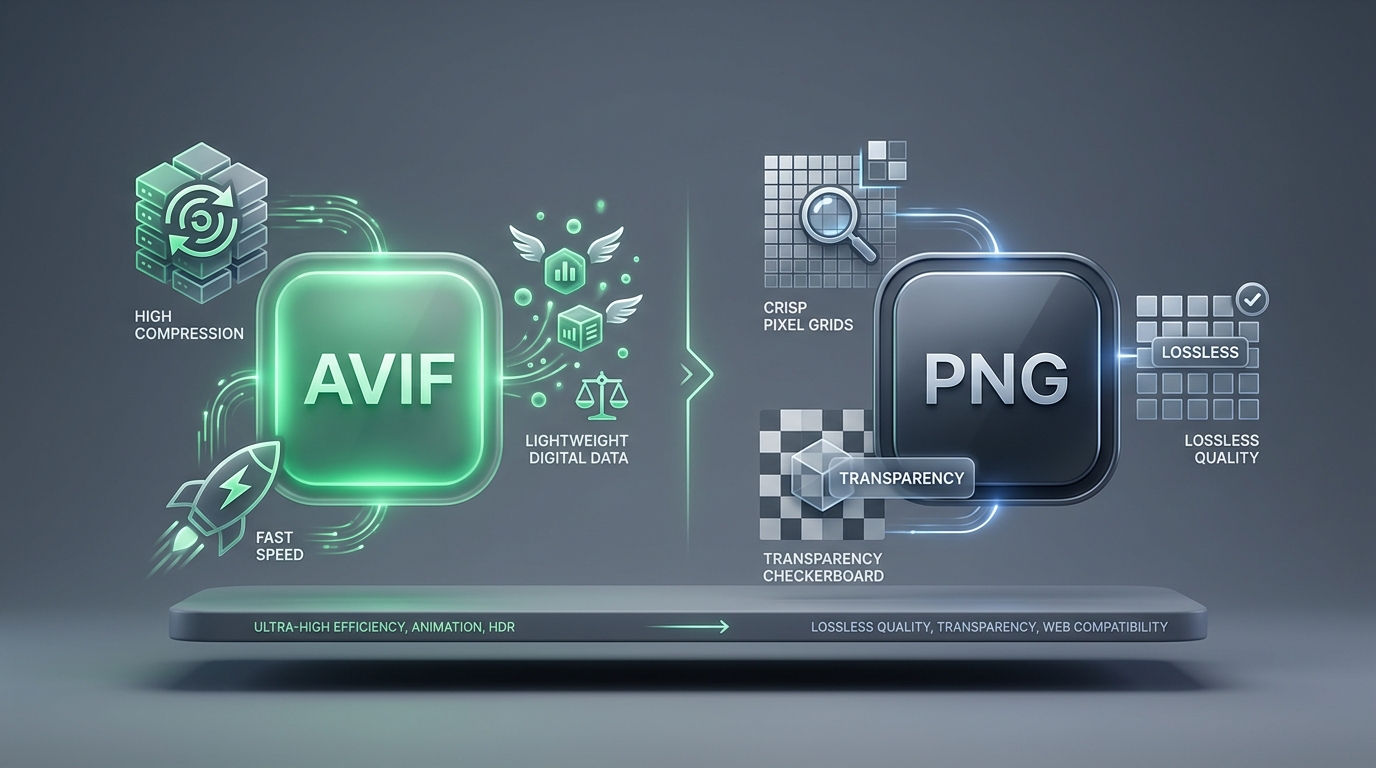
The State of Modern Web Images
Images account for roughly 50% to 65% of total page weight on the average website. For front-end developers aiming to achieve optimal Google Core Web Vitals (specifically Largest Contentful Paint, or LCP), reducing image payload is the single most effective optimization strategy.
PNG (Portable Network Graphics) has been the gold standard for raster images with transparency since its release in 1996. However, AVIF (AV1 Image File Format), standardized by the Alliance for Open Media (AOMedia), has emerged as a disruptive contender. But is AVIF a complete replacement for PNG in every scenario? Not quite.
Technical Breakdown: AVIF vs PNG
| Feature | AVIF | PNG |
|---|---|---|
| Compression Type | Lossy & Lossless (AV1) | Strictly Lossless (Deflate) |
| Average File Size | 60% to 85% smaller | Large / Uncompressed raw data |
| Alpha Transparency | Yes (8-bit / 10-bit / 12-bit) | Yes (8-bit & 24-bit Truecolor) |
| Color Depth (HDR) | Up to 12-bit HDR & Wide Gamut | Standard 8-bit sRGB (Mostly SDR) |
| Decoding CPU Overhead | Moderate (Complex parsing) | Ultra-low (Instant hardware render) |
| Desktop App Support | Requires plugins in legacy tools | 100% Universal across all software |
1. Compression Efficiency: Real Benchmark Tests
To evaluate real-world differences, we conducted a test on a 1920x1080 UI interface screenshot containing sharp typography, gradients, and transparent shadows:
1,420 KB
Clean, lossless, pixel-perfect baseline.
195 KB (-86.2%)
No human-perceptible artifacting at standard viewing distance.
AVIF leverages directional intra-prediction techniques originally developed for video streaming. This allows it to smooth out flat regions and complex photographic gradients much more efficiently than PNG's 2D filtering passes.
2. Transparency & Edge Sharpness
One of PNG's primary strengths has always been clean alpha channels—ideal for logos, icons, cut-out product photos, and vector-style graphics.
- ▸ PNG's Advantage: PNG preserves strict pixel boundaries without ringing or blurring around high-contrast transparent edges. If you have fine 1px line art or dark text on a transparent background, PNG yields zero fuzzy halos.
- ▸ AVIF with Alpha: AVIF encodes the alpha channel as an auxiliary monochrome video stream. While high-quality AVIF handles transparency remarkably well, aggressive lossy settings can occasionally produce subtle chromatic aberrations around transparent borders.
3. Decoding Speed: The Hidden Cost of AVIF
While AVIF significantly reduces download time over slow networks, it demands more CPU computational power during the browser decompression stage.
PNG uses the lightweight Deflate algorithm (zlib), which modern mobile and desktop operating systems decompress almost instantaneously with negligible battery impact. On budget mobile devices without dedicated AV1 hardware decoders, decoding a page loaded with 50+ AVIF images can induce minor main-thread CPU spikes.
4. Compatibility Bottlenecks: Why Convert Back to PNG?
While web browsers (Chrome, Safari, Firefox, Edge) now provide broad AVIF support, desktop workflows remain fragmented:
- Design Software: Older versions of Adobe Photoshop, InDesign, and Illustrator cannot open or import raw `.avif` files without external plugins.
- Email Clients & Newsletters: Many enterprise email clients (such as Microsoft Outlook desktop) do not render AVIF images, displaying broken image placeholders.
- Print & Production: Print houses and RIP software rely strictly on TIFF, CMYK PNG, or vector PDF formats.
Stuck with AVIF files you can't open?
Convert your AVIF images back to universal PNGs in bulk with zero quality loss.
Final Verdict: Which Format Should You Use?
Use AVIF when:
- • Delivering photos, banners, and hero graphics on public websites.
- • Minimizing mobile data consumption and maximizing Google PageSpeed scores.
- • Displaying HDR imagery with wide color gamuts.
Use PNG when:
- • Working in Adobe Suite, Figma, or desktop graphic design editors.
- • Creating email newsletter templates and marketing campaigns.
- • Preserving sharp vector-like screenshots with small text.